Beveled Layers: Angled Sections Throughout
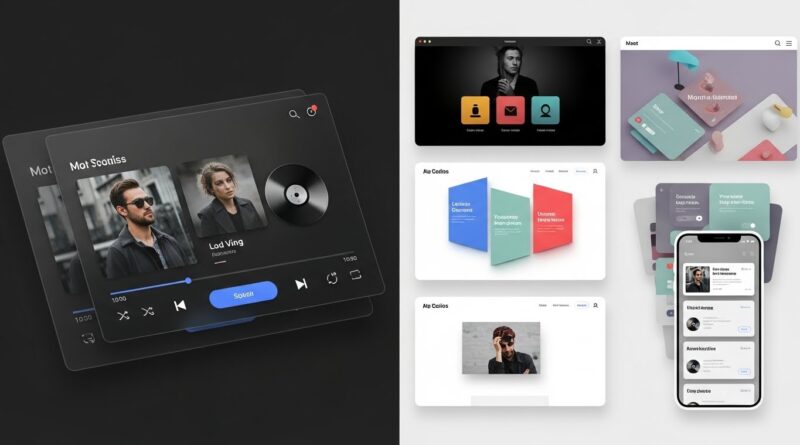
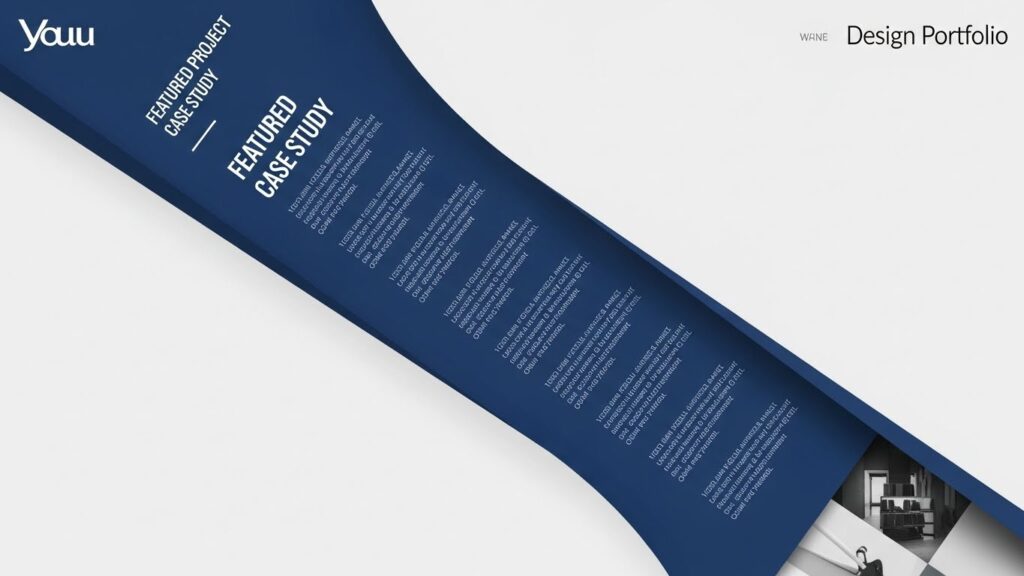
In the ever-evolving landscape of digital design, trends come and go, but some leave a lasting impression by fundamentally shifting how we perceive space on a screen. Enter the era of the beveled layer—a design technique that slices through the monotony of horizontal blocks with dynamic, angled sections. This isn’t just a subtle gradient or a soft shadow; this is a deliberate, geometric incision that creates depth, direction, and a palpable sense of modernity.
The Geometry of Interest: Why Angles Captivate
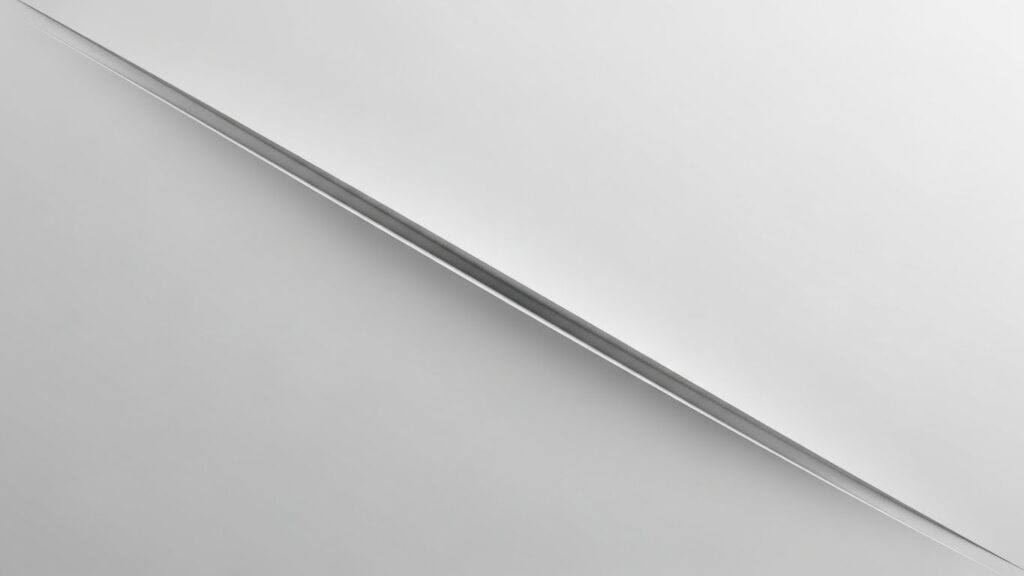
Human eyes are naturally drawn to lines and angles. While the web has long been dominated by the 90-degree angle, creating safe, predictable, and sometimes bland layouts, diagonal lines break this visual rhythm. A beveled edge or a layered angle introduces tension, movement, and a focal point. It suggests sophistication, technical precision, and a forward-thinking attitude.
Psychologically, angles can convey different messages. A downward slope might suggest dynamism or decline, while an upward angle often implies growth and optimism. In the context of beveled layers, these angled sections are used to guide the visual journey. They can direct attention from a headline to a call-to-action button, create natural separators between content zones, or simply add an element of surprise that makes a design memorable. In a sea of sameness, a well-placed angle is a powerful differentiator.

More Than Aesthetic: Functional Benefits of Beveled Layers
While stunning, this trend isn’t merely decorative. Beveled layers serve several practical purposes in user experience (UX) and interface design (UI). Firstly, they create a strong visual hierarchy. An angled background behind a key statistic or testimonial immediately signals its importance, pulling it out of the standard content flow.
Secondly, they can improve spatial perception within a design. By simulating layers that overlap at non-right angles, designers create an illusion of depth on a flat screen. This pseudo-3D effect makes the interface feel more tactile and engaging. Furthermore, angled sections can be used as innovative navigational cues. A menu that emerges from a slanted edge, or a scroll indicator that follows a diagonal path, encourages interaction and makes the user journey more intuitive and less linear.

Crafting the Cut: Technical Approaches to Implementation
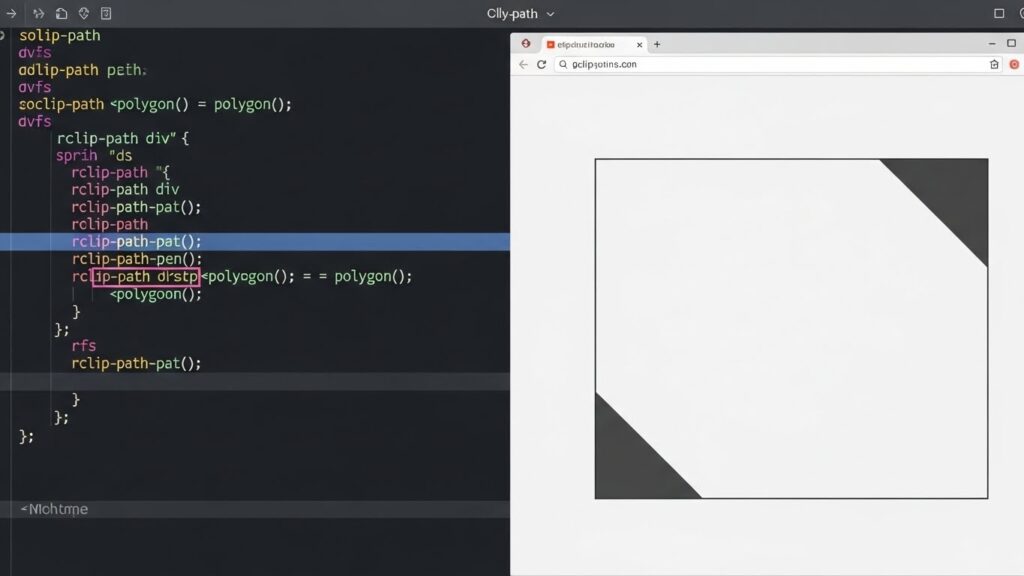
Implementing beveled layers requires a move beyond simple box models. Thankfully, modern CSS provides powerful tools. The CSS clip-path property is a frontrunner for creating custom angled shapes. With it, you can define a polygon to “clip” an element into any shape imaginable, from a simple diagonal cut to complex, multi-angled facets. For example, a value like `clip-path: polygon(0 0, 100% 0, 100% 80%, 0 100%);` creates a classic upward slant on the bottom edge.
Another method involves using CSS transforms, particularly skew() and rotate(), on pseudo-elements (like ::before or ::after). This allows you to create angled overlays or borders that sit behind or in front of your content. For performance and complex animations, SVG can be an excellent choice for creating the angled shapes themselves, offering crisp scalability. The key is to ensure the technique is responsive—your dramatic angle shouldn’t break into a jagged mess on a mobile screen. Using relative units in your clip-path or media queries to simplify shapes on smaller viewports is crucial.
Harmony in Asymmetry: Balancing Angled Designs
The most common pitfall with such a bold technique is overuse. The goal is strategic disruption, not chaos. Successful implementation of beveled layers relies on balance. This often means coupling an angled section with ample negative space, allowing the shape to breathe and preventing the layout from feeling cluttered. Typography must also be carefully considered; text placed on a tilted plane should remain legible and properly aligned, sometimes requiring its own container that counter-angles the text back to horizontal.
Color and contrast play pivotal roles here. Using a bold color on the beveled layer against a neutral background ensures the effect pops. Conversely, a subtle tonal shift on the angle can create an elegant, sophisticated separation. Always consider the gestalt principles of continuity and common fate—elements aligned along the implied line of the bevel are perceived as related, creating cohesive groupings within the asymmetry.
Beyond the Web: Angled Sections in Broader Design
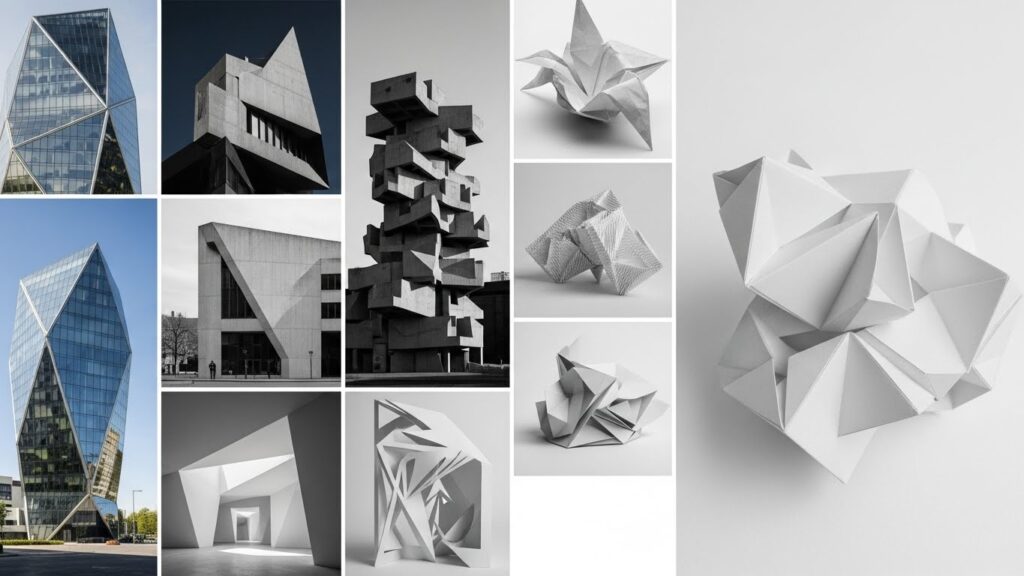
The beveled layer trend did not originate in a vacuum. Its roots are deeply embedded in architecture, industrial design, and print media. Think of the angled facets of a skyscraper, the sliced forms of modern furniture, or the dynamic layouts of editorial magazines from the late 20th century. Digital design has translated this physical language of angles and layers into the interactive realm.
This cross-pollination means the trend feels both fresh and familiar. It connects the digital experience to tangible, real-world sensations of structure and material. When you see a website with beautifully crafted angled layers, it can evoke the feeling of polished granite, folded paper, or precision machinery. This multisensory suggestion enhances the perceived quality and innovation of a brand.
Is the Beveled Layer Right for Your Project?
Like any strong stylistic choice, beveled layers are not a one-size-fits-all solution. They excel in projects aiming to communicate innovation, energy, precision, and boldness. Tech startups, creative agencies, sports brands, and entertainment platforms can leverage this trend to powerful effect. However, for brands where trust, tradition, and softness are paramount (think certain financial institutions or wellness blogs), a more subdued approach might be preferable.
If you choose to explore this trend, start with a single, impactful angle—perhaps in your hero section. Use it as a defining moment rather than the entire theme. Test its impact on user flow and readability rigorously. When executed with purpose and restraint, integrating angled sections throughout your design can transform it from a simple presentation of information into an immersive, memorable spatial experience.
The beveled layer is more than a fleeting trend; it’s a testament to the web’s maturation as a design medium capable of depth, emotion, and sophisticated composition. It challenges the flat design paradigm and invites users to look at the screen in a new way—not as a window, but as a constructed, dimensional space. So, go ahead—make the cut.